

Home › Technical Training › AUDI Q3 – RETROFIT/UPGRADE FULL LED OR MATRIX HEADLIGHTS: SAFE CODING AND BASIC SETTINGS (2025 GUIDE)
AUDI Q3 – RETROFIT/UPGRADE FULL LED OR MATRIX HEADLIGHTS: SAFE CODING AND BASIC SETTINGS (2025 GUIDE)
Updated September 2025 — by Gianni Tritella. In this practical guide, we'll look at how to retrofit/upgrade Full LED or Matrix headlights on the Audi Q3: hardware differences and PR codes , wiring , 09/55 parameters , AFS Basic Settings , typical errors, and road testing. The procedure is written to be clear to workshops, auto electricians, and advanced enthusiasts.
✅ Introduction: When retrofitting is necessary
Upgrading from halogen/Xenon headlights to Full LED or Matrix LED on the Audi Q3 is one of the most popular retrofits. In addition to the aesthetic benefit, it improves visibility and safety . For a clean job, you need: correct components (based on the vehicle's PR codes ), appropriate wiring, consistent coding in 09 – BCM and 55 – Headlight Range , and therefore Basic Settings AFS .
🧰 Prerequisites, security and tools
- Stabilized power supply 12V/40–70A during coding and Basic Settings.
- Backup Long Coding/Adaptation of 09/55 (and A5 if present Light Assist/Matrix).
- Flat area , correct tire pressures, standard load, trim in order.
- Diagnostic scanner with Coding/Adaptation/Basic Settings functions (OBDeleven Pro, VCDS, ODIS).
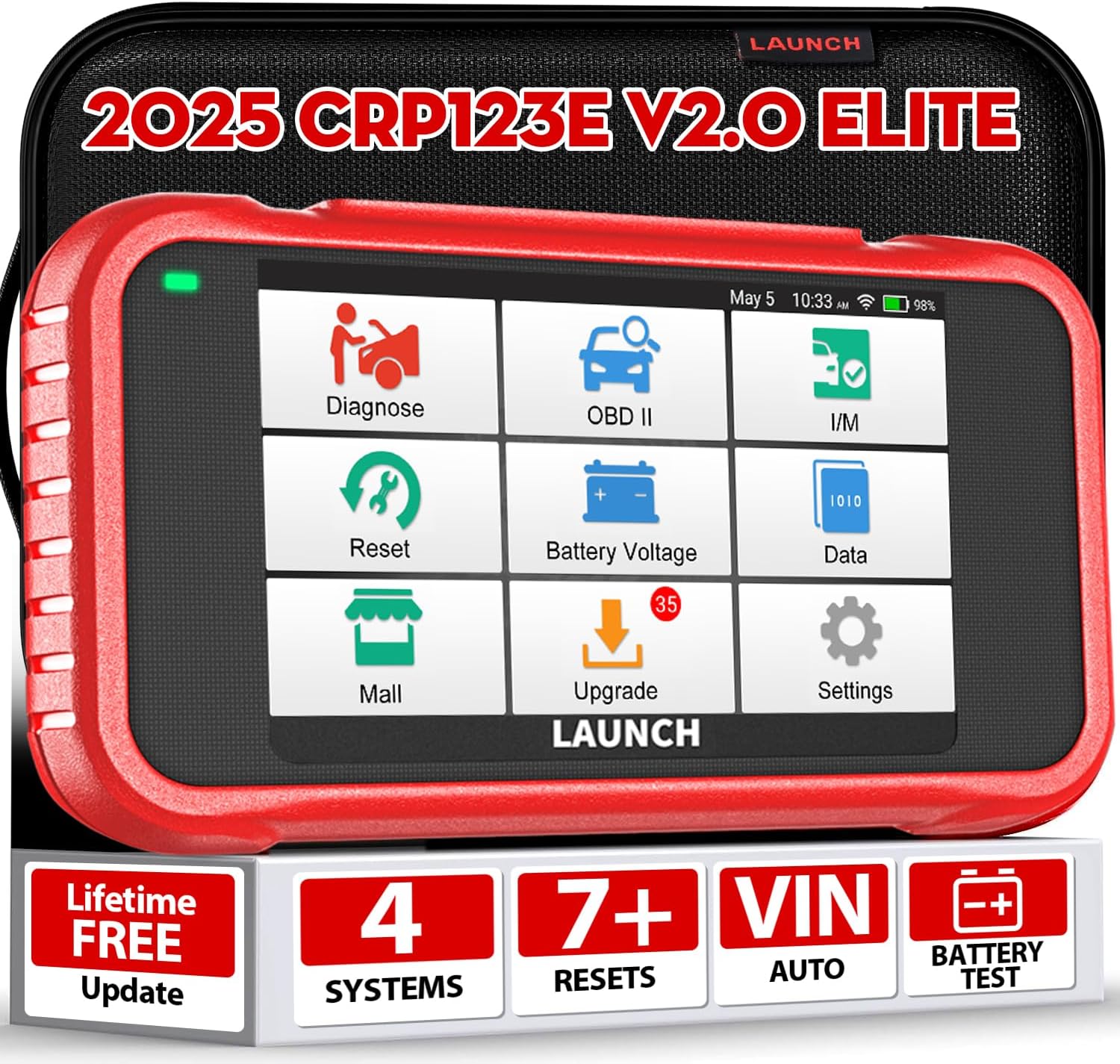
LAUNCH CRP123E V2.0 – PROFESSIONAL OBD2 CAR DIAGNOSIS
DTC reading, live data , and reset functions are useful for pre-testing and testing. For AFS coding/Basic Settings , also use dedicated tools (OBDeleven/VCDS/ODIS).
🛒 Buy now on Amazon🔎 Hardware Differences & PR Codes (How to Read and Interpret Them)
PR codes identify the vehicle's specific features. You can find them:
- In the document holder / data sticker (trunk/wheel well) or via VIN on the spare parts portal.
- In diagnosis (equipment reading) or workshop documentation.
Why they matter: they define the type of headlight, the presence of DRL , AFS motors, lamps/LEDs, integrated control units, possible A5 camera for advanced functions (Light Assist/Matrix).
Practical examples (indicative, varies by year/platform)
- “Fixed” LED headlights : Easier retrofit; often keep 55 for leveling + consistent 09 coding.
- Full LED headlights with AFS : require working motors and axle level sensors + Basic Settings in 55.
- Matrix Headlights (ADB) : In addition to 09/55, a calibrated A5 camera and specific software datasets are usually required.
Golden rule: match the headlight PR codes with those of the vehicle; if they don't match, consider dedicated wiring or additional modules .
🧩 Wiring, sensors, and components to check
- Headlight connectors : correct pinout (DRL, high beam, low beam, indicators, AFS/Motor).
- Front/rear axle level sensors : fastening, integrity of linkages, cables not pulled.
- Module 55 (Headlight Range): present/compatible? Power supplies and grounds OK.
- Camera A5 (Matrix/Light Assist): Mount, suitable windshield glass, shielded wiring.
- Fuses/Relays : Headlight line and 55/A5 module OK.
🛠️ Secure encoding in 09 (BCM) and 55 (Headlight Range)
First: Save Long Coding and all relevant Adaptation entries in 09 and 55. Work on one change at a time, noting each step.
09 – Body Control Module (BCM)
- Headlight type (LED/Matrix) and DRL/indicator functions consistent with the new hardware.
- Consistent lamp channels : correct assignment of functions/lamp types (avoids errors and flicker).
- Automatic high beams (if present): active only if A5 and necessary sensors are present.
55 – Headlight Range (AFS)
- Check coding for headlight type and presence of level sensors.
- Check for any specific adjustments (base angles/offsets).
- Prepare the Basic Settings (see next section).
⚙️ Basic Settings AFS (55): aiming & saving
- Resetting adjustments : Run “reset/initialize headlamp adjustment”.
- Positioning on a flat area ; follow the tool's instructions (headlight height, template panel if required).
- Aiming headlights : Sets low beam height/cutoff to specifications (standard load).
- Saving the basic position: Complete the Basic Setting and wait for confirmation “OK”.
- Lock-to-lock steering (if required), then clear DTC in 55 and 09.
Note: In some cases it is necessary to repeat the Basic Settings after a short trip to stabilize the level sensors.
💡 Note Matrix/Light Assist: A5 camera and limitations
Matrix LEDs (ADB) require advanced masking logic: often a calibrated A5 camera (ADAS target) and compliant software datasets are needed. If the camera is not present or not calibrated , you will limit the function to a basic LED profile or generate warning lights/alerts .
Tip: For the A5, calibrate at an ADAS center if one isn't available in a workshop (target and space required). Don't improvise: on the road, dazzling other vehicles is a serious risk.
🚨 Common Errors & Quick Fixes
- “Adaptive Light” active / B2010 (implausible parameters) → recheck coding 55, redo Basic Settings , check level sensors.
- U1121/Uxxxx – missing CAN messages 09↔55↔A5 → check gateway list , power supplies, wiring and module compatibility.
- 01539 – Headlights not adjusted → Basic Settings not completed or aiming out of specification; repeat the procedure on a flat surface.
- “Light Assist not available” → A5 camera missing/not calibrated; deactivate ADAS function or calibration program.
🧪 Road test & final validation
- Night test : light pattern, clean cut, no glare intersections.
- Actuation log (scanner): AFS motor range, DRL/indicators/high beam ON/OFF controls.
- DTC check at the end of the test: it must show “no errors recorded”.
🛡 Best practices and prevention
- One change at a time + changelog: if something goes wrong, go right back to the previous step.
- Full backup before starting and immediately after each milestone (09/55/A5).
- Power supply always stabilized during coding and Basic Settings.
- Document the PR codes and part numbers of the installed headlights; avoid incompatible hardware/software mixes.
❓ FAQ
Can I retrofit Matrix without A5 chamber?
No. Matrix LEDs require an A5 camera with proper calibration and dataset. Without them, you'll have limited functionality or indicators. It's best to stick with "non-Matrix" Full LEDs.
How long does a full AFS calibration take?
With proper wiring and components: 60–90 minutes (including basic settings and road test). With CAN/sensor errors to fix: variable times.
Do we need official ODIS or is OBDeleven/VCDS enough?
For basic full-LED retrofits, OBDeleven/VCDS is usually sufficient. For Matrix/ADAS and dataset updates, ODIS and A5 calibration with target are often required.
How do I read the correct PR codes of my Q3?
From the data sticker in the trunk/document holder, via VIN on spare parts portals, or via diagnostic reports. Use PR codes to align hardware/coding .


